New Copilot Studio — Part 3: Creating an agent (hands-on)
Build a telecom sales assistant — goals, scenario, and configuration guide.
▶ Part 3 in one line — Assemble the six elements from Part 2 in the actual click sequence to complete a “telecom sales assistant.” The order is Instructions → single skill → skill package → Tools → Test → Deploy, with writing tips and preview pitfalls for each step.
⚠️ The features, screens, and timelines in this document are all based on the preview and may change (subject to change).
0. Goals and deliverables
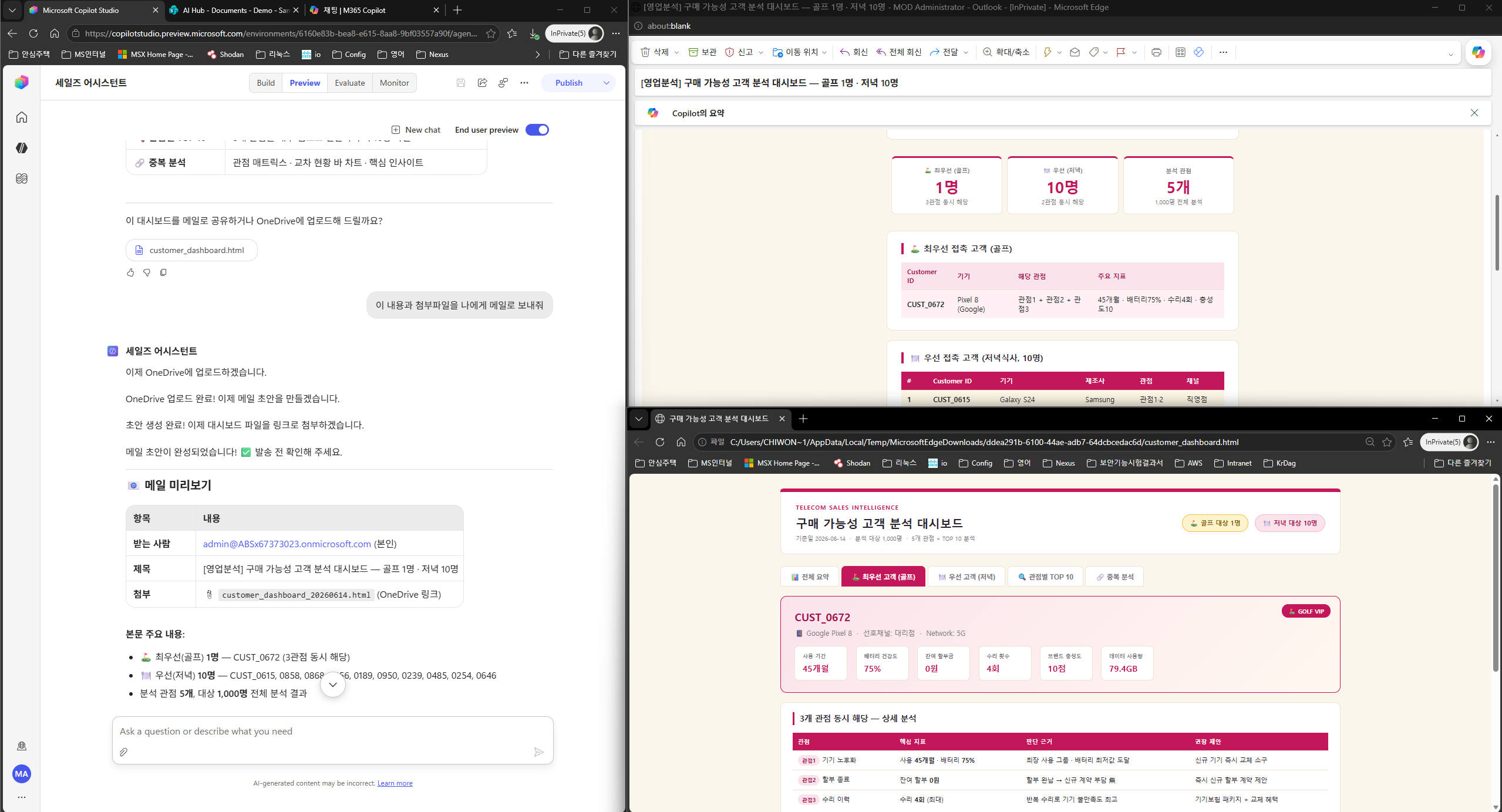
▶ What you will build in this chapter: An agent that analyzes a sales Excel file uploaded to SharePoint, answers by referencing a Word guidance document, and, when needed, creates an HTML dashboard and sends it by email.
0.1 Scenario
(The diagram will be replaced with an image/ASCII later)
All six elements work together in one flow — Knowledge (Excel) → skills + tools (analysis and design) → confirmation gate (Instructions) → sending (mail tool). You will build each step directly in chapters 2–8.
0.2 Six-element configuration of the completed agent
| Element | Implementation in this lab | Chapter |
|---|---|---|
| Instructions | “Calculate accurately / use a skill for design / confirm before sending” | Chapter 2 |
| Knowledge | SharePoint sales Excel + guidance Word document | Chapters 0 and 3 |
| Single skill | Briefing skill that summarizes results in a fixed format | Chapter 4 |
| Skill package | Analysis rules + email/reporting (design and templates included) | Chapter 5 |
| Tools | Mail MCP · OneDrive MCP (+ code interpreter) | Chapter 6 |
| Memory | In-session conversation tracking (automatic core capability) | — |
0.3 Preview of the results
- Analysis: Top customers by purchase intent from multiple perspectives (purchase cycle, usage patterns, device status, and more) — 10 customers per perspective + insights
- Customer selection: Top-priority/priority customers identified by intersecting perspectives (golf, dinner, and gift targets)
- Guidance: Summary of hospitality and gift guidelines based on the internal policy document (Word), with sources cited
- Dashboard: A single downloadable HTML file containing status and insights by perspective, priority/top-priority customers, and event precautions
- Email: Company-designed email body + dashboard link attached, sent to me and my team lead (with confirmation before sending)
0.4 Prerequisites
- Access to the New Copilot Studio preview
- A sales Excel file uploaded to a SharePoint site (for example, 1,000 customer rows × many columns) and an optional guidance Word document
- Optional: a prebuilt skill package ZIP — imported in Chapter 5
What this part covers
| # | Topic | Key point |
|---|---|---|
| 1 | Prerequisites & creation/instructions | Enter preview → blank agent → write Instructions |
| 2 | Add Knowledge | Connect a SharePoint folder + code processing principles |
| 3 | Create a single skill | One SKILL.md page pasted directly into the UI |
| 4 | Import a skill package | High-performance ZIP skill bundling design and templates |
| 5 | Add connectors and MCP | Work IQ Mail and OneDrive MCP (minimal curation) |
| 6 | Test | Real measurements for prompts #1–#5 + checks |
| 7 | Deploy & troubleshoot | Publish, channel constraints, and repeat testing in real channels |
Reading in order gives a natural flow. You can also open the topic you need first.